Imagen Image Generation Playbook for Petbizai.app
Master the art of prompt engineering to generate professional, pet-focused visuals for your business. Leverage these advanced techniques and start creating marketing assets, product photos, and branding visuals directly within Petbizai.app to stand out
1. The Core Prompt Structure (The 3 Cs)
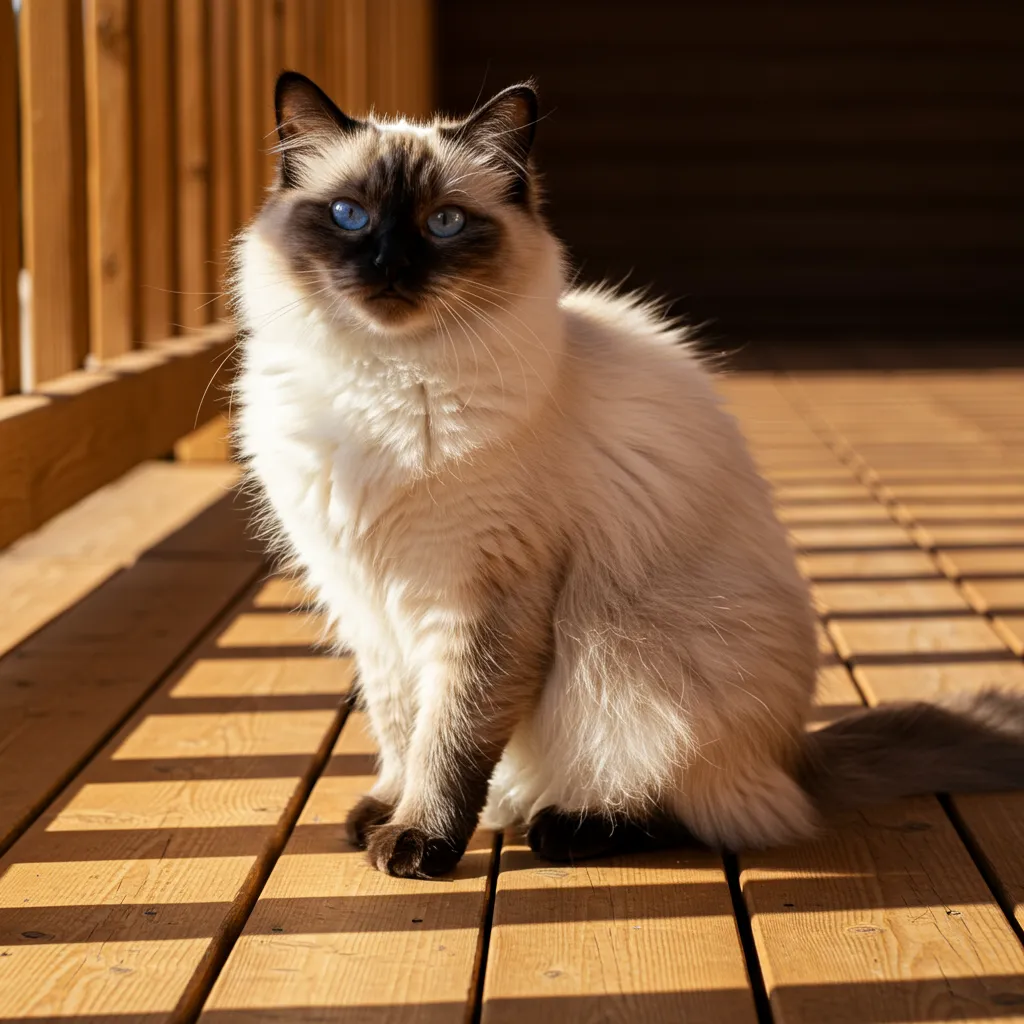
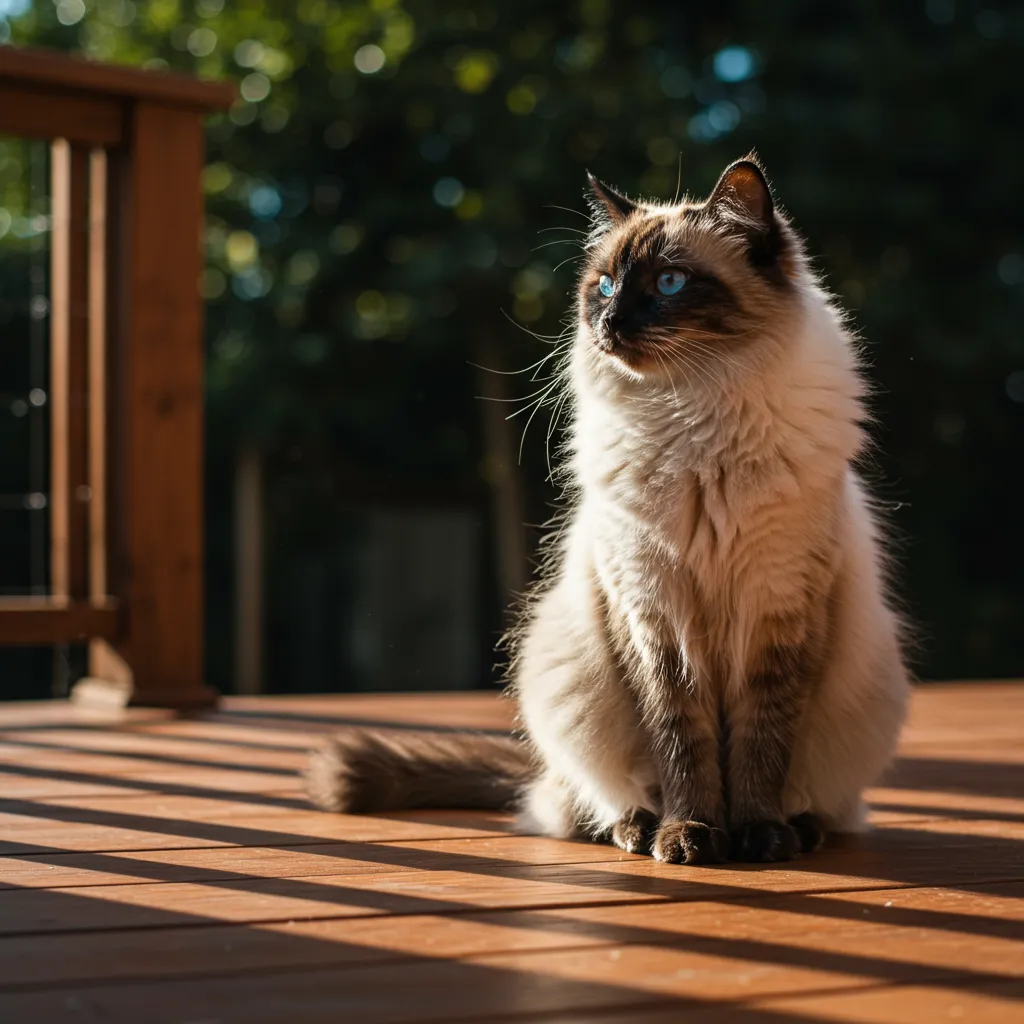
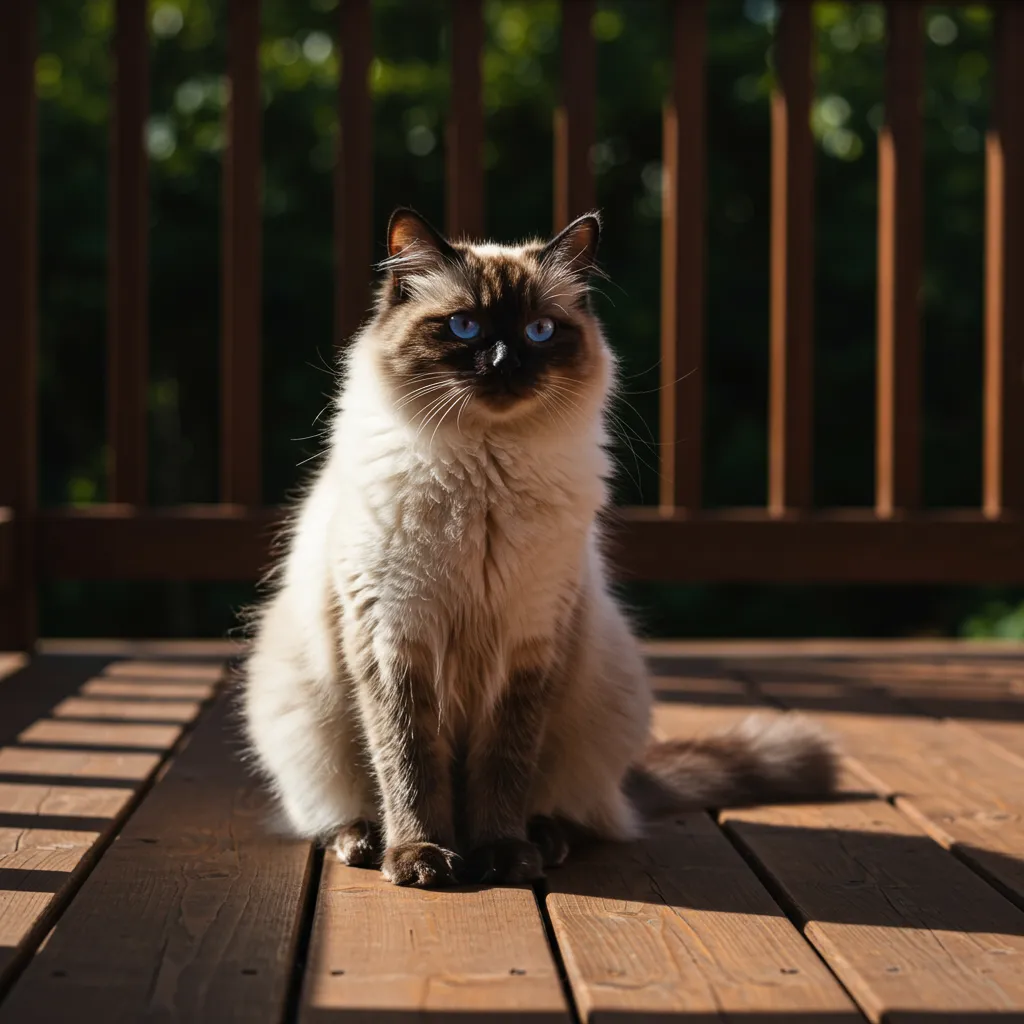
Every powerful Imagen prompt starts with three clear components. Think of your prompt as a sentence combining these elements:
-
Subject: The main focus (e.g., a fluffy Siamese cat).
-
Context: The setting or environment (e.g., sitting on a sun-drenched wooden deck).
-
Style/Modifier: The desired aesthetic (e.g., photorealistic, dramatic cinematic lighting).
Combined Example: “A fluffy Siamese cat sitting on a sun-drenched wooden deck, photorealistic, dramatic cinematic lighting.”
🚀 Ready to launch your first image? Head over to the ** Petbizai.app Generator** and apply the 3 C’s structure now!
2. Parameterised Prompt Templates
These templates use placeholders (like {pet_type}) that users can easily customise in your application to create highly relevant images quickly.
Template A: Pet Portrait (Marketing)
This template focuses on appealing portraits with a professional finish.
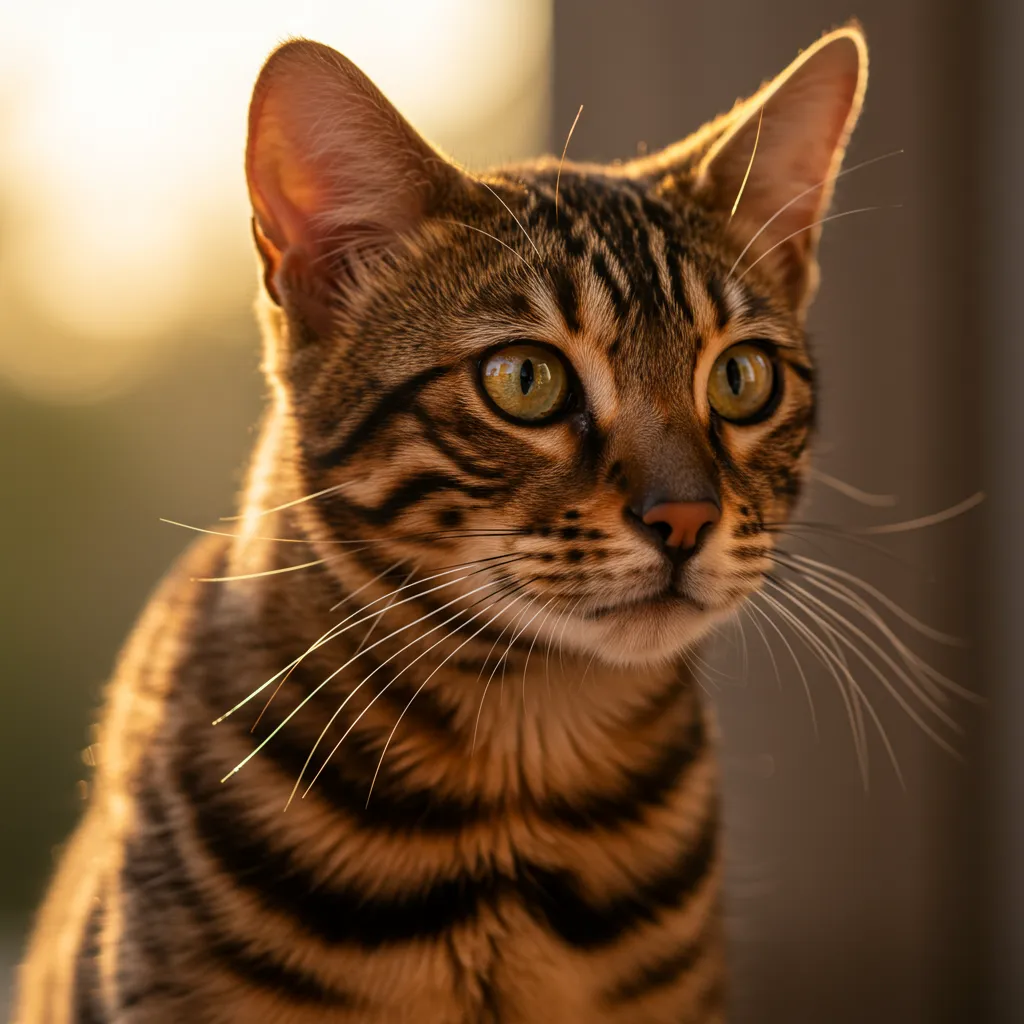
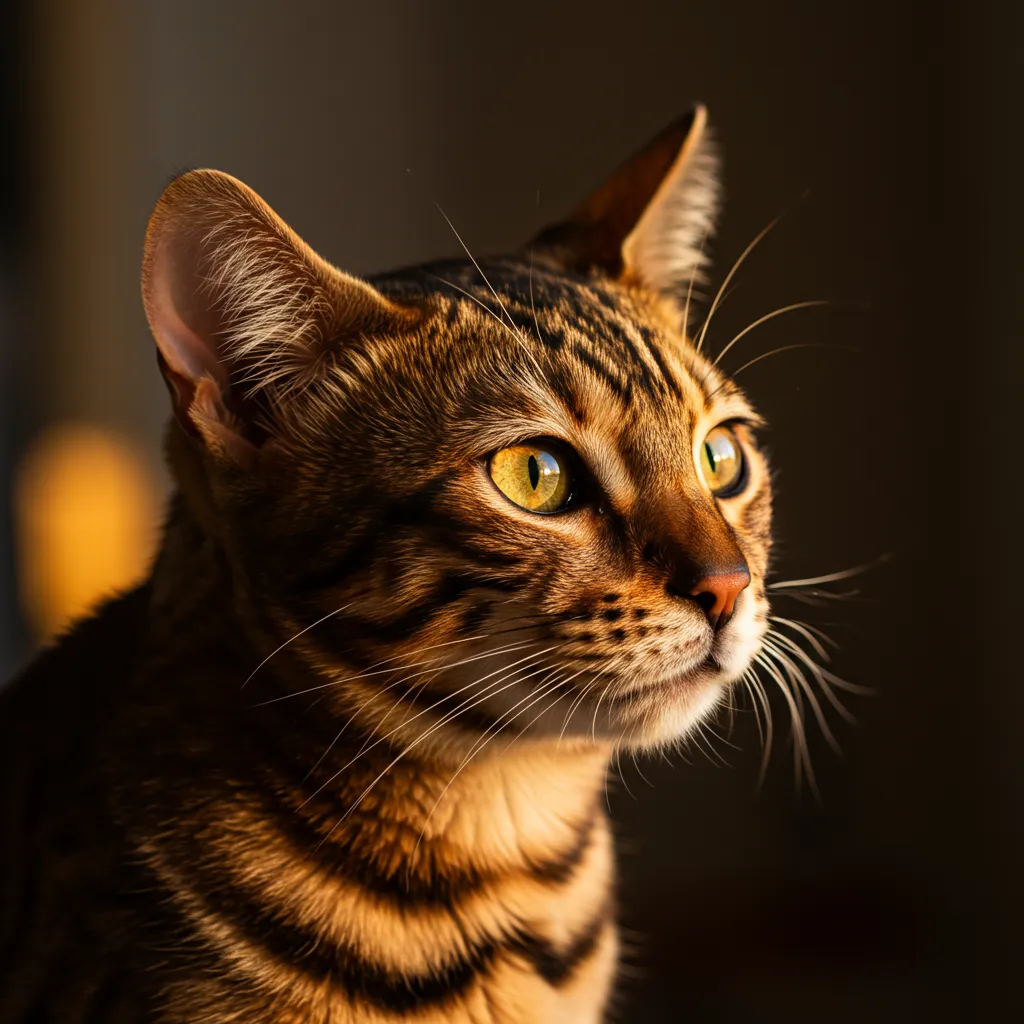
A close-up portrait of a {pet_type} with {fur_color} fur, looking directly at the camera. {lighting_style} lighting, {lens_type} lens, soft bokeh background.

Example Output: A close-up portrait of a Bengal cat with spotted fur. Warm golden hour lighting, 50mm prime lens, soft bokeh background.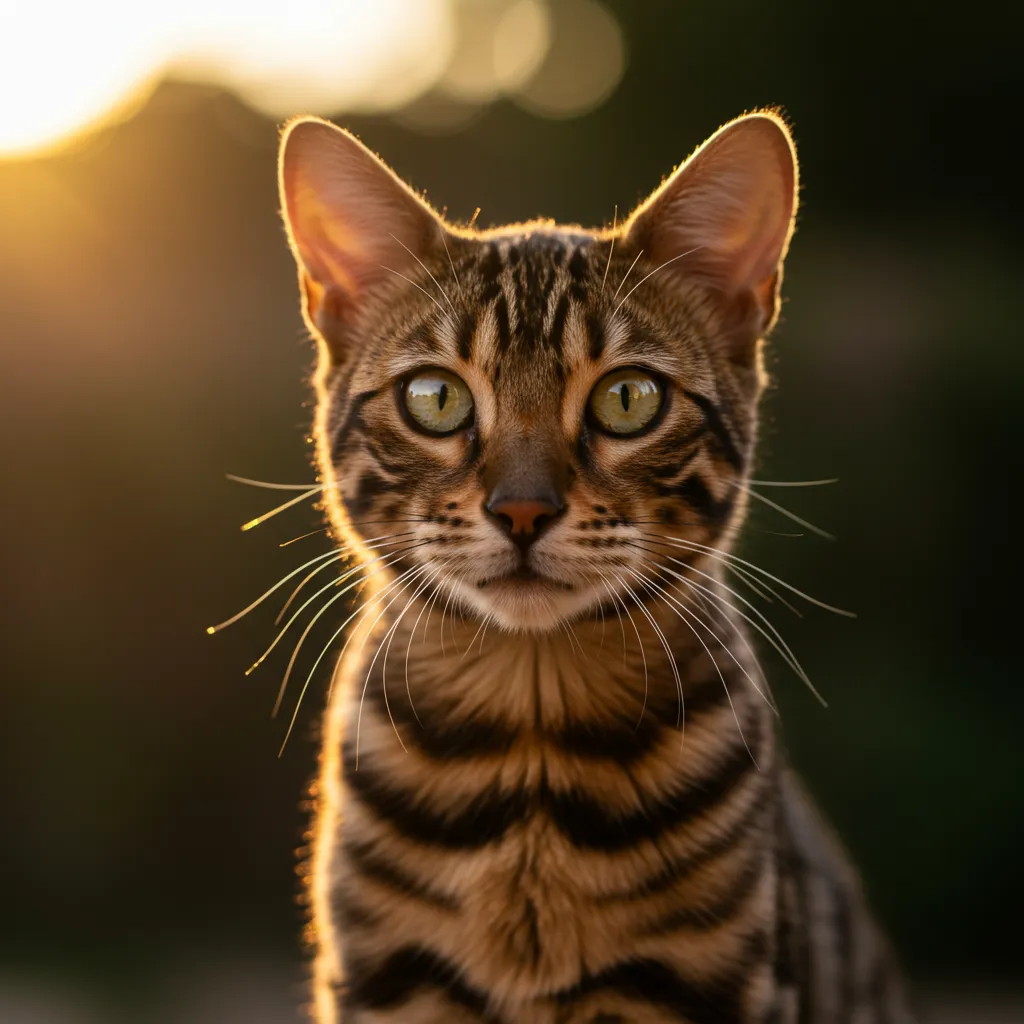
Template B: Product Photography (E-commerce)
Use this for clean, high-detail shots of merchandise.
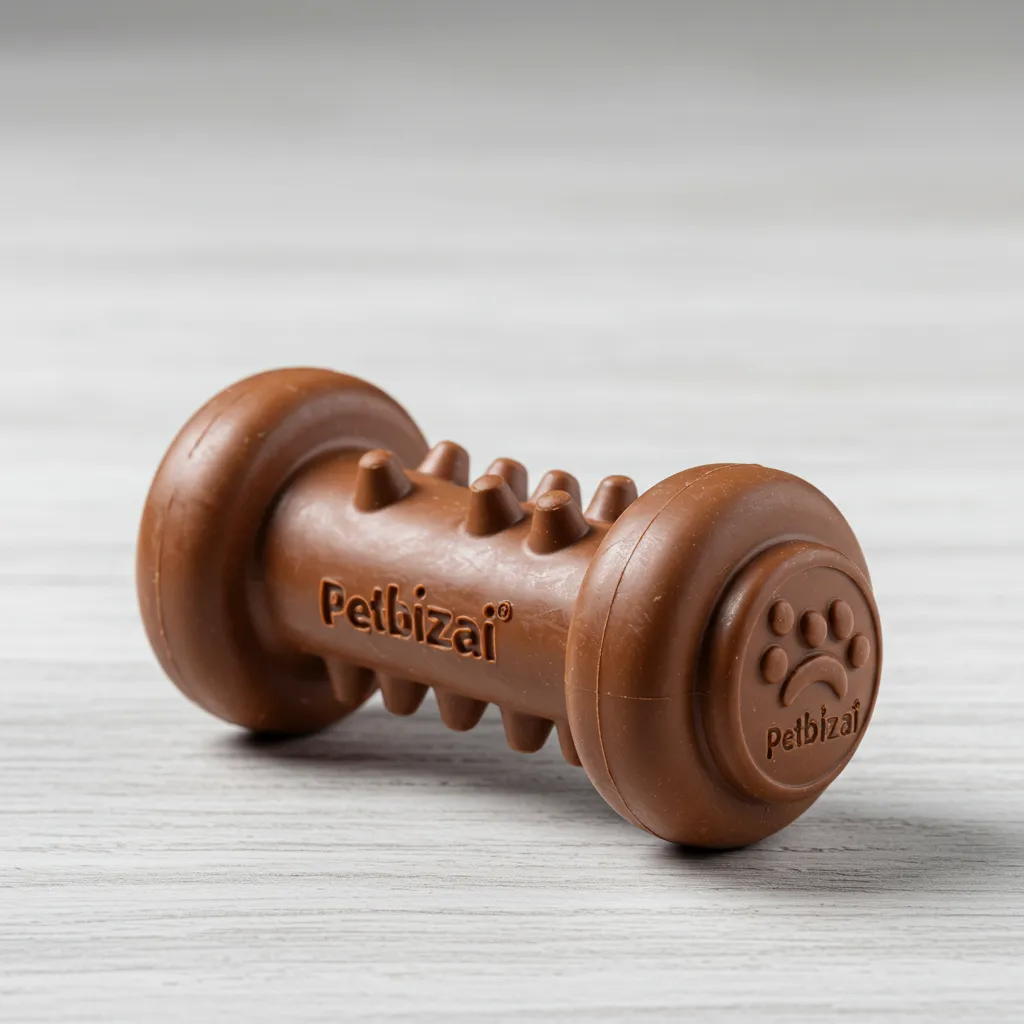
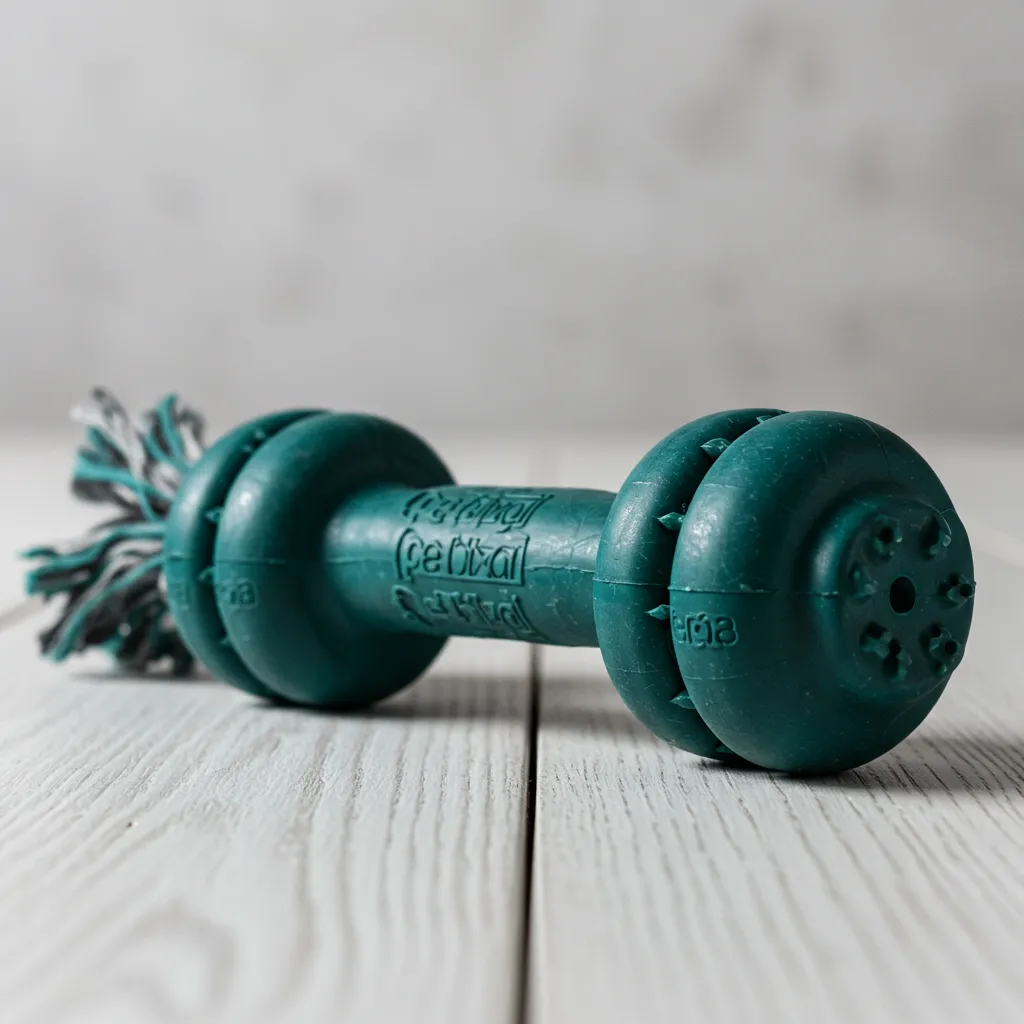
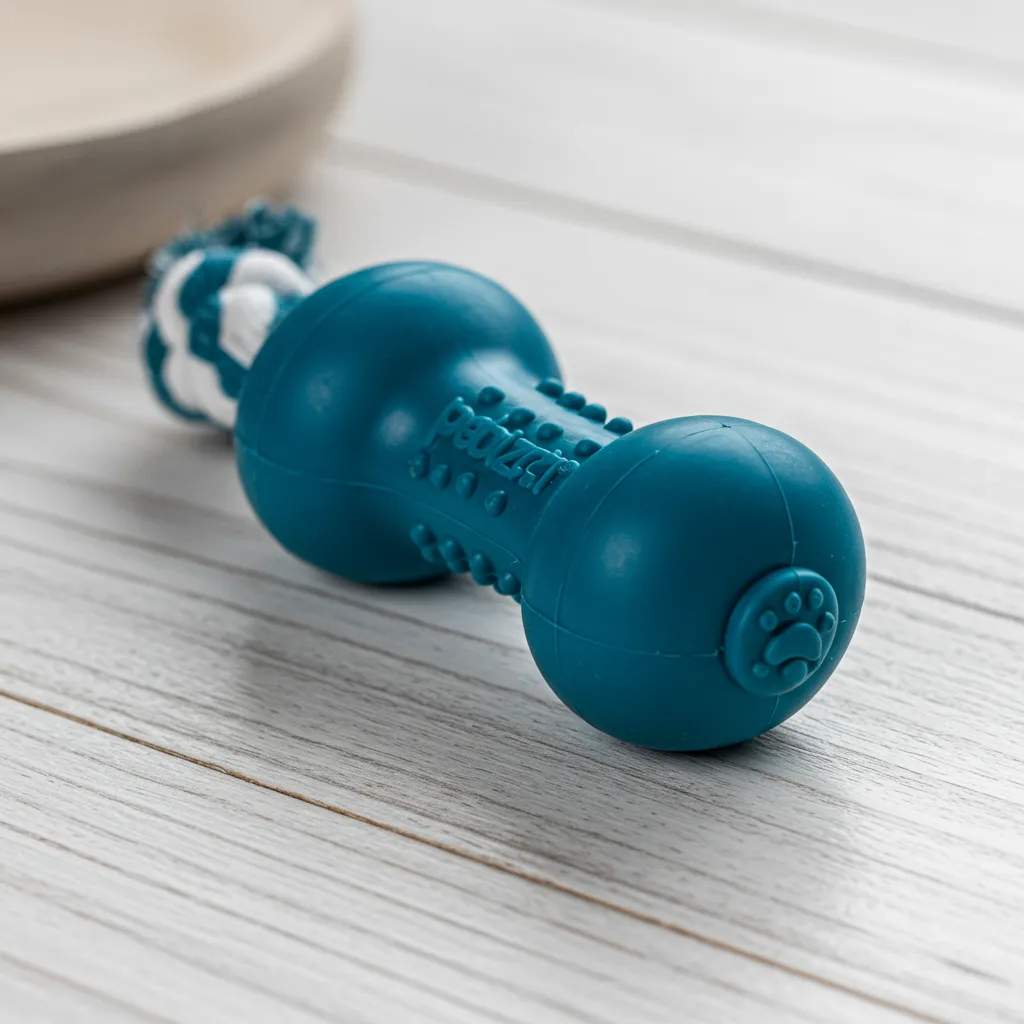
A studio product photo of a {product_item} for pets, made of {material}. {background_context}, high detail, macro lens, 4K resolution.Example Output: A studio product photo of a dog chew toy for pets, made of durable rubber. ** Set on a white wooden surface**, high detail, macro lens, 4K resolution.
Template C: Artistic Logo/Branding
This helps generate vector-ready images for branding and logos.
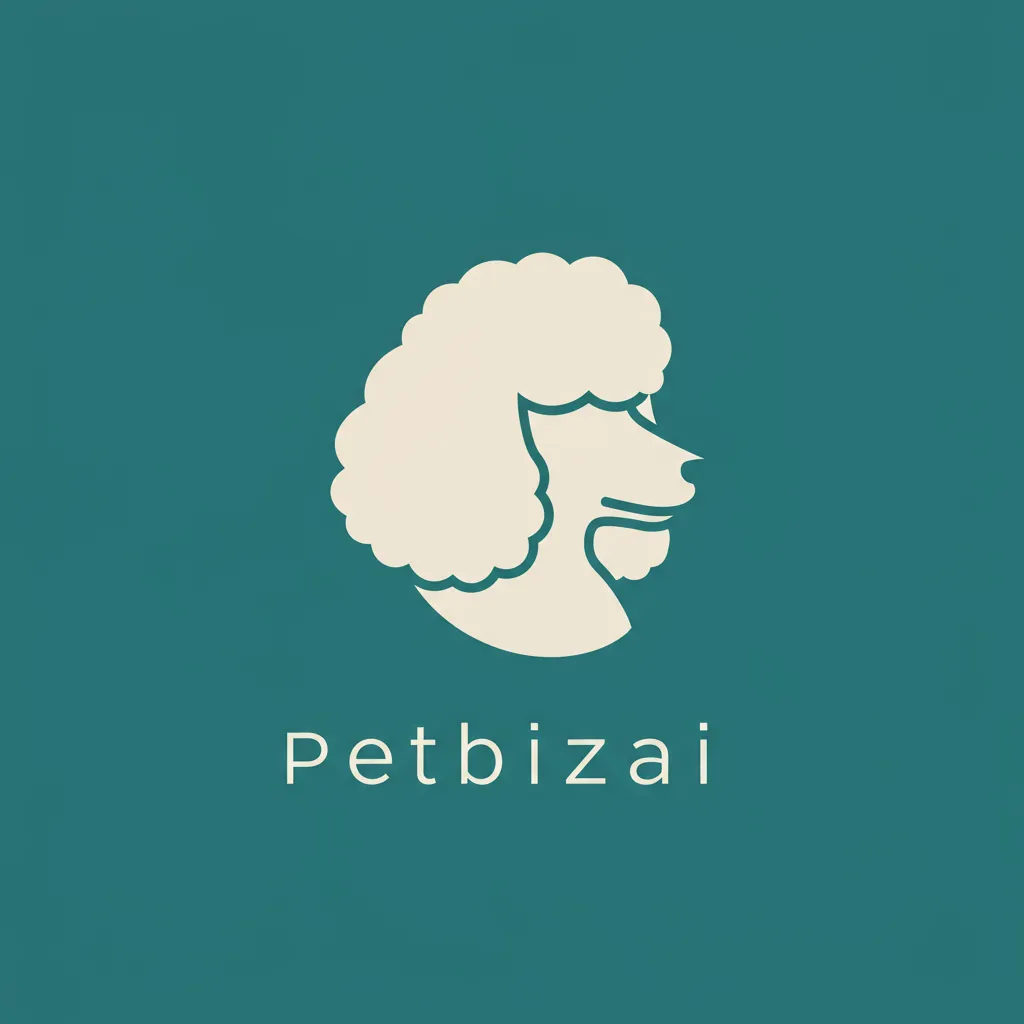
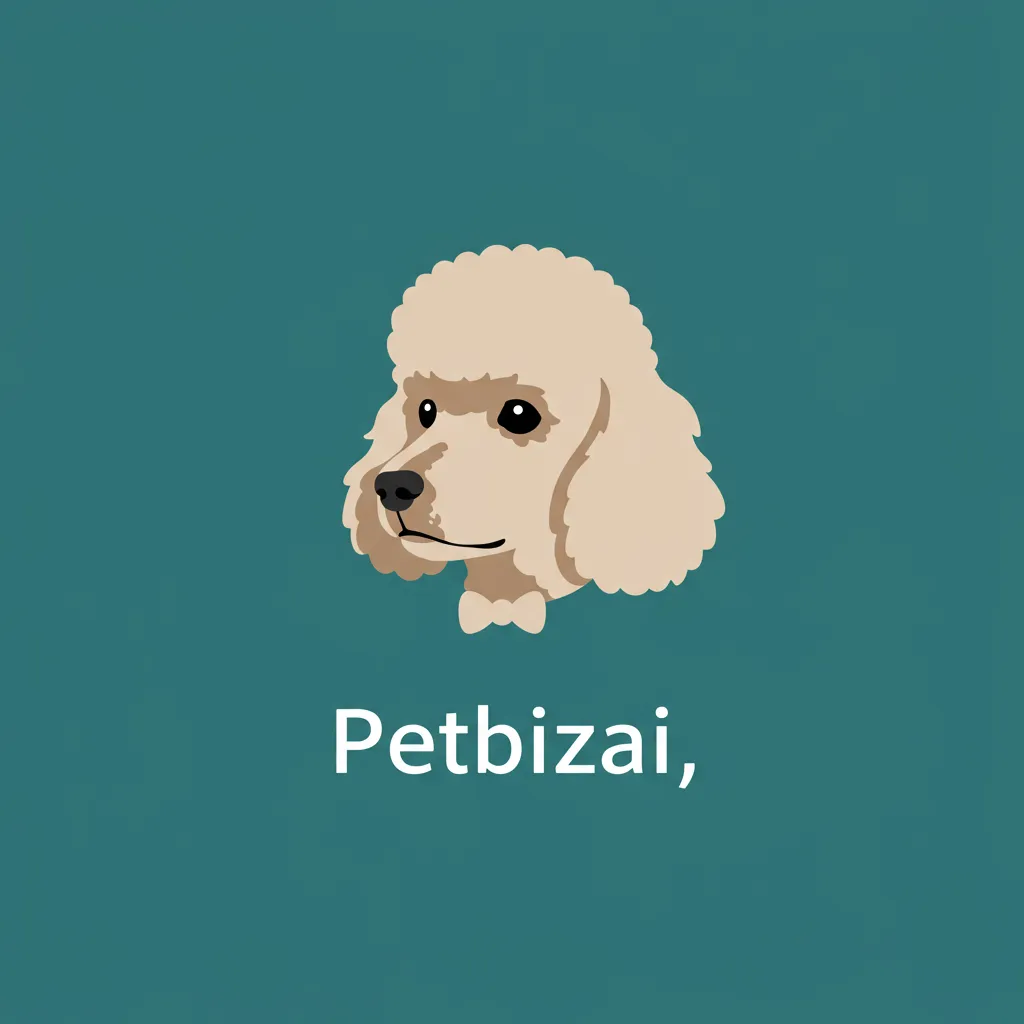
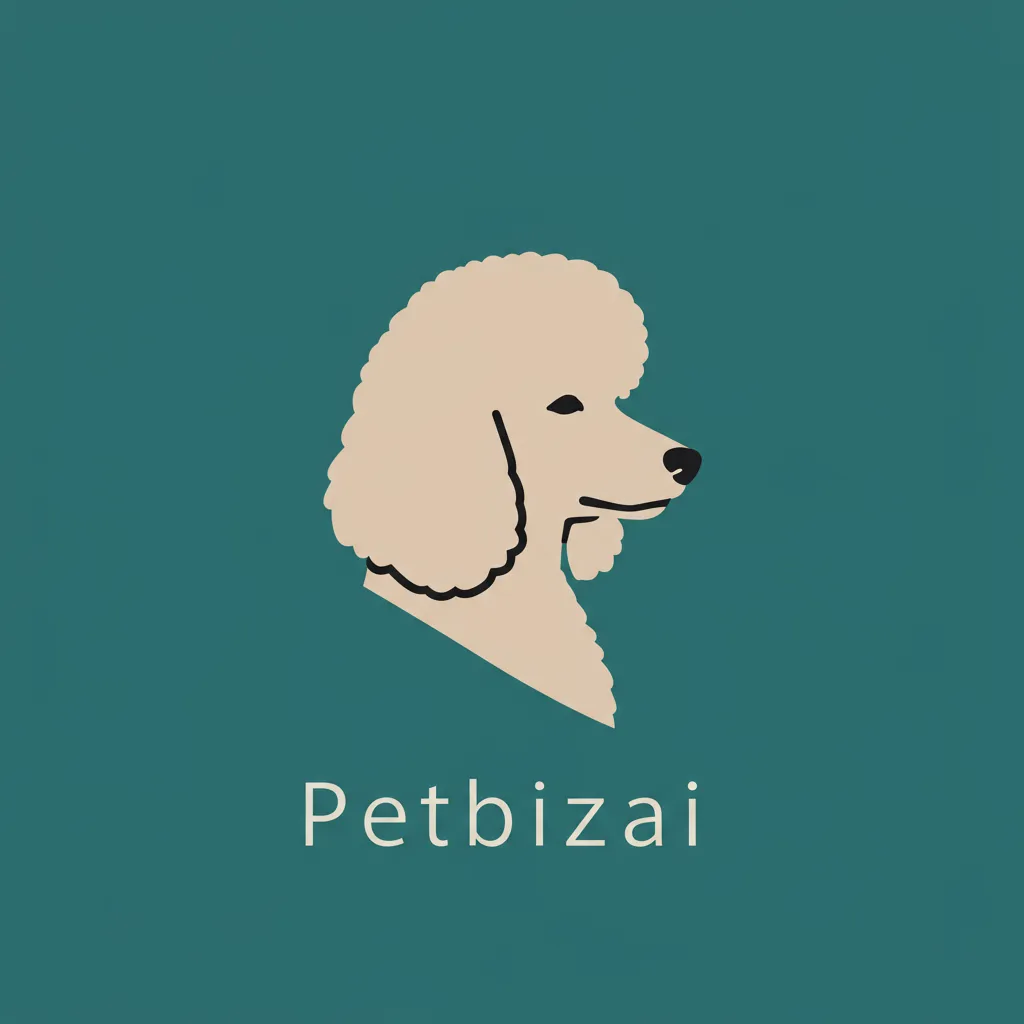
A minimalist logo illustration of a {pet_type} head. {art_style} style, on a solid {color} background. Include the text '{company_name}'.

Example Output: A minimalist logo illustration of a poodle head. Simple vector art style, on a solid teal background. Include the text 'Petbizai'.
✨ Streamline your content! Copy any of these templates and paste them into your ** Petbizai.app** chat in Imagen (image Generator) to save time.
3. Advanced Pet Photography Modifiers
Use camera and lighting keywords to control the final output, ensuring you capture your subjects perfectly.
A. Capturing Action and Motion
To freeze a pet mid-play or motion, use these modifiers:
-
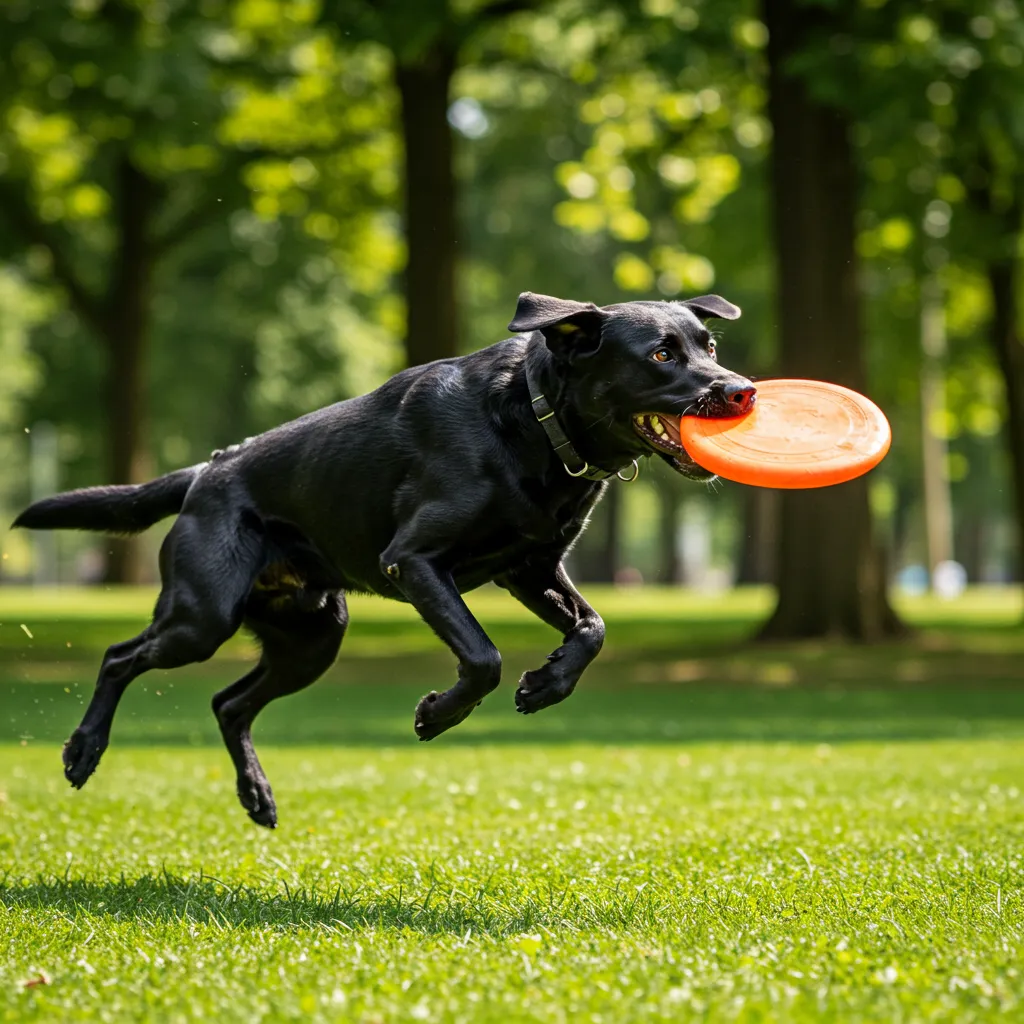
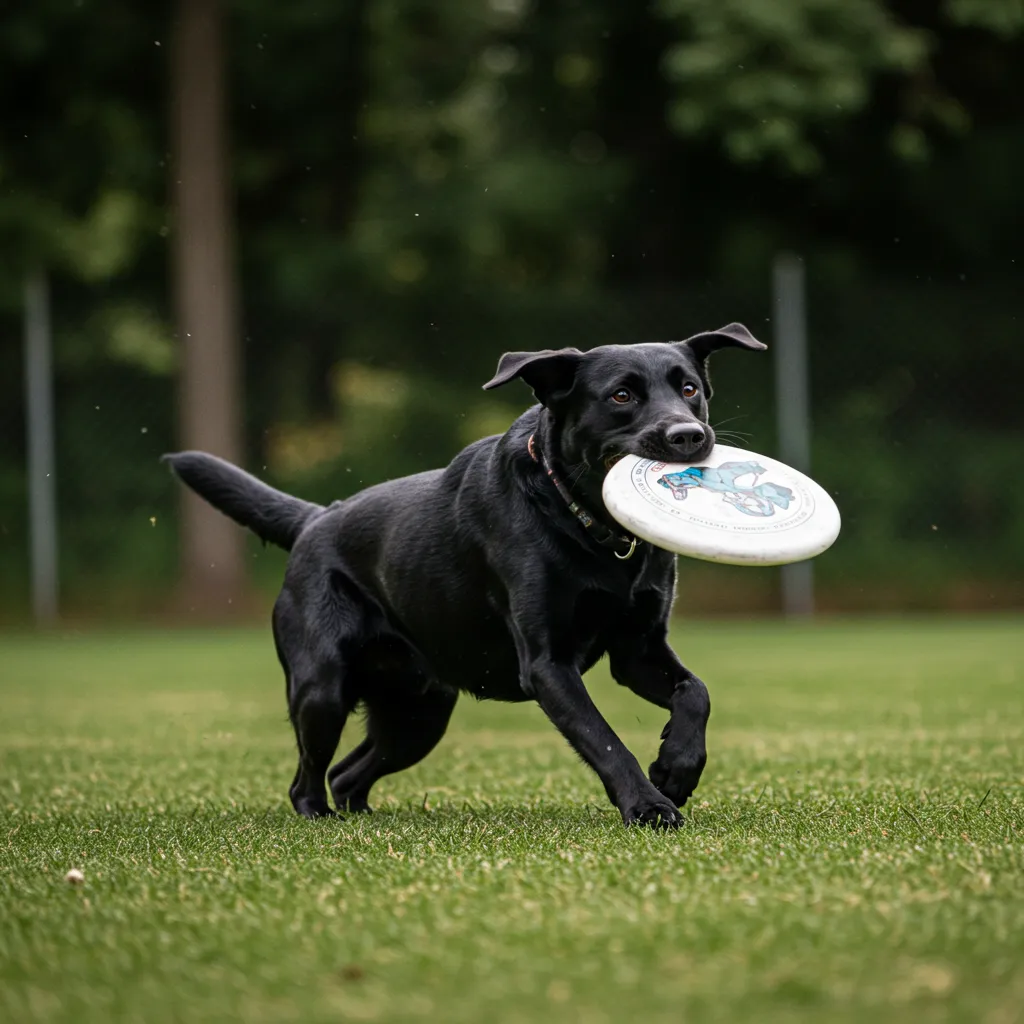
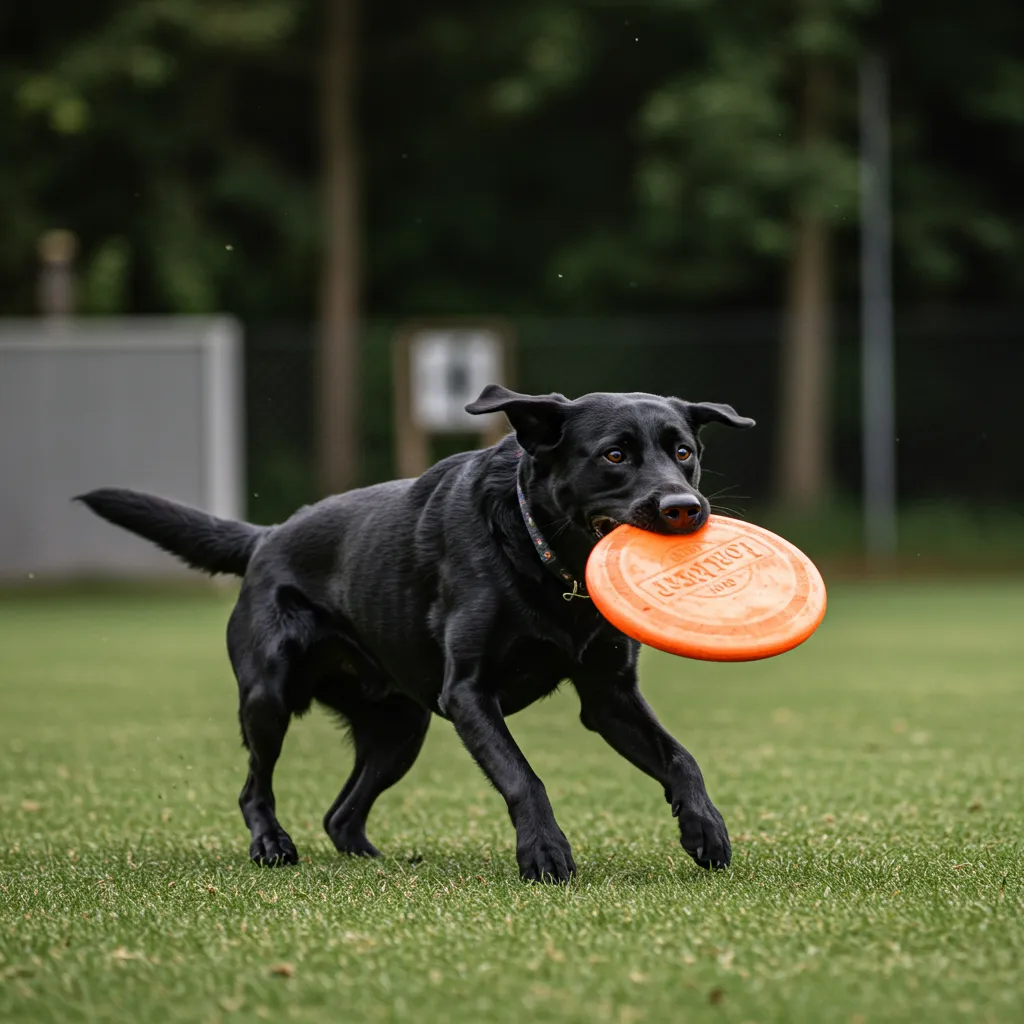
Keywords: Fast shutter speed, movement tracking, action shot, telephoto zoom, 100mm-400mm.
-
Example Prompt Segment: “…a black labrador chasing a frisbee, fast shutter speed, action shot, movement tracking.”
B. Detail and Still Life (Products & Features)
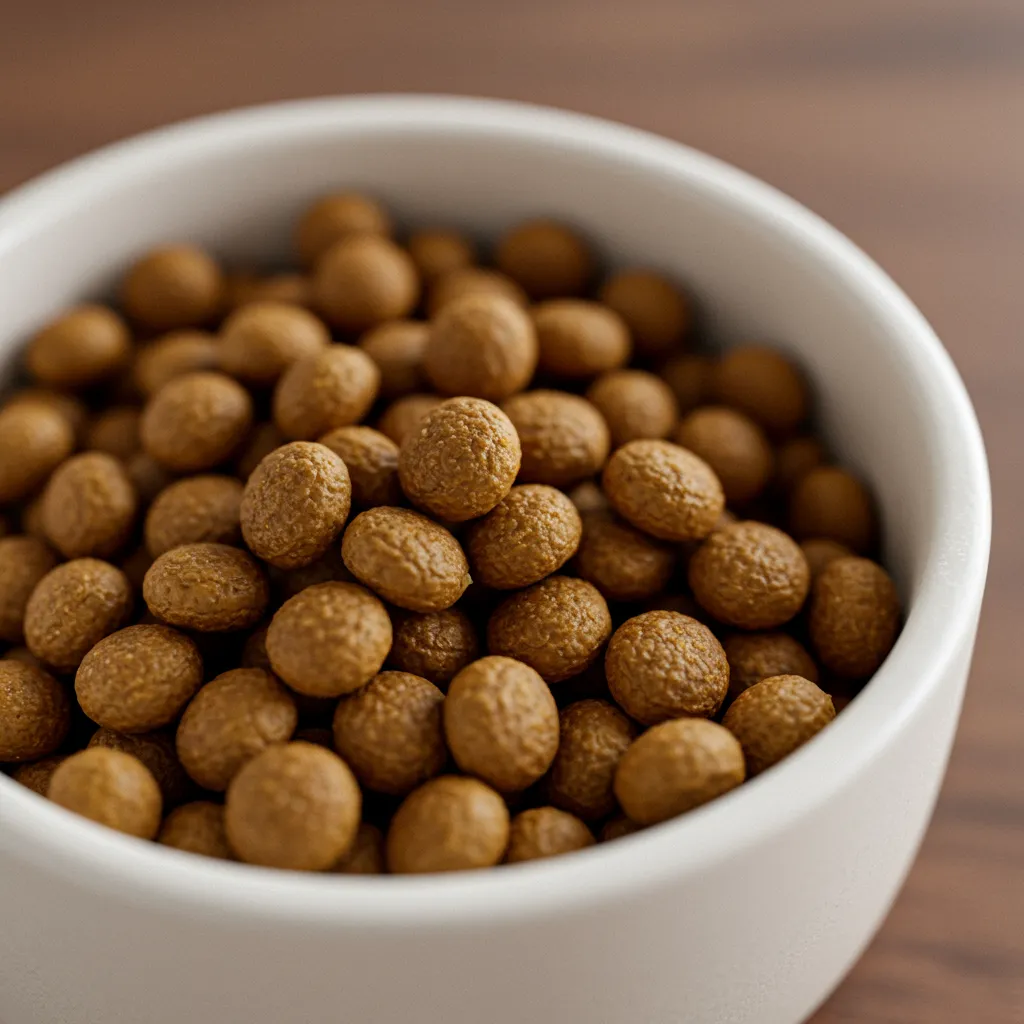
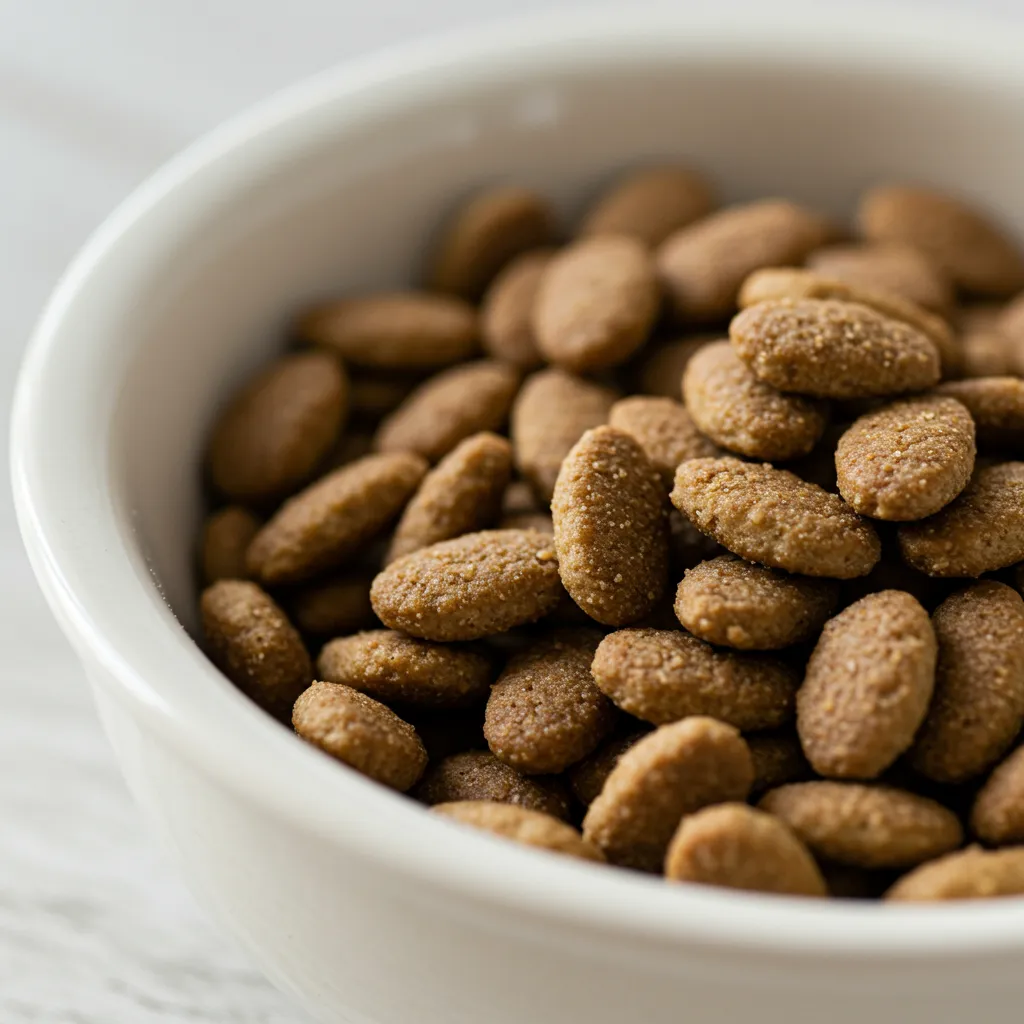
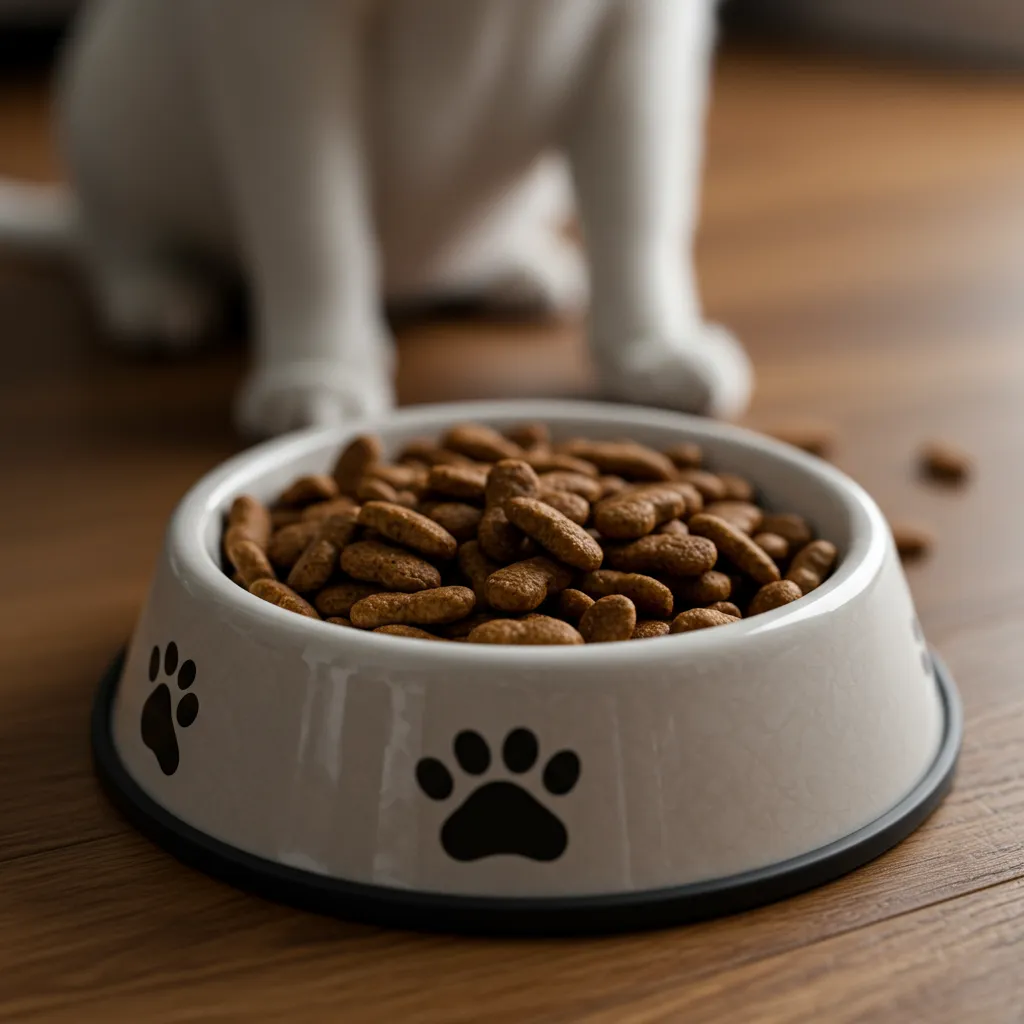
For close-ups of food, toys, or specific textures, focus on detail:
-
Keywords: Macro lens, 60mm-105mm, high detail, precise focusing, extreme close-up.
-
Example Prompt Segment: “…a small bowl of organic kibble, macro lens 60mm, precise focusing.”
C. Aesthetic and Mood
Control the overall look and feel of your image with these styles:
-
Lighting: Dramatic lighting, warm sunlight, cold studio light, cinematic, golden hour.
-
Film/Finish: Polaroid photo, black and white photo, film noir, duotone.
-
Quality: Photorealistic, 4K, HDR, ultra-detailed.
4. Illustration and Art Styles for Branding
Transform your subject using artistic keywords to create unique merchandise or social media assets.
A. Art Mediums and Movements
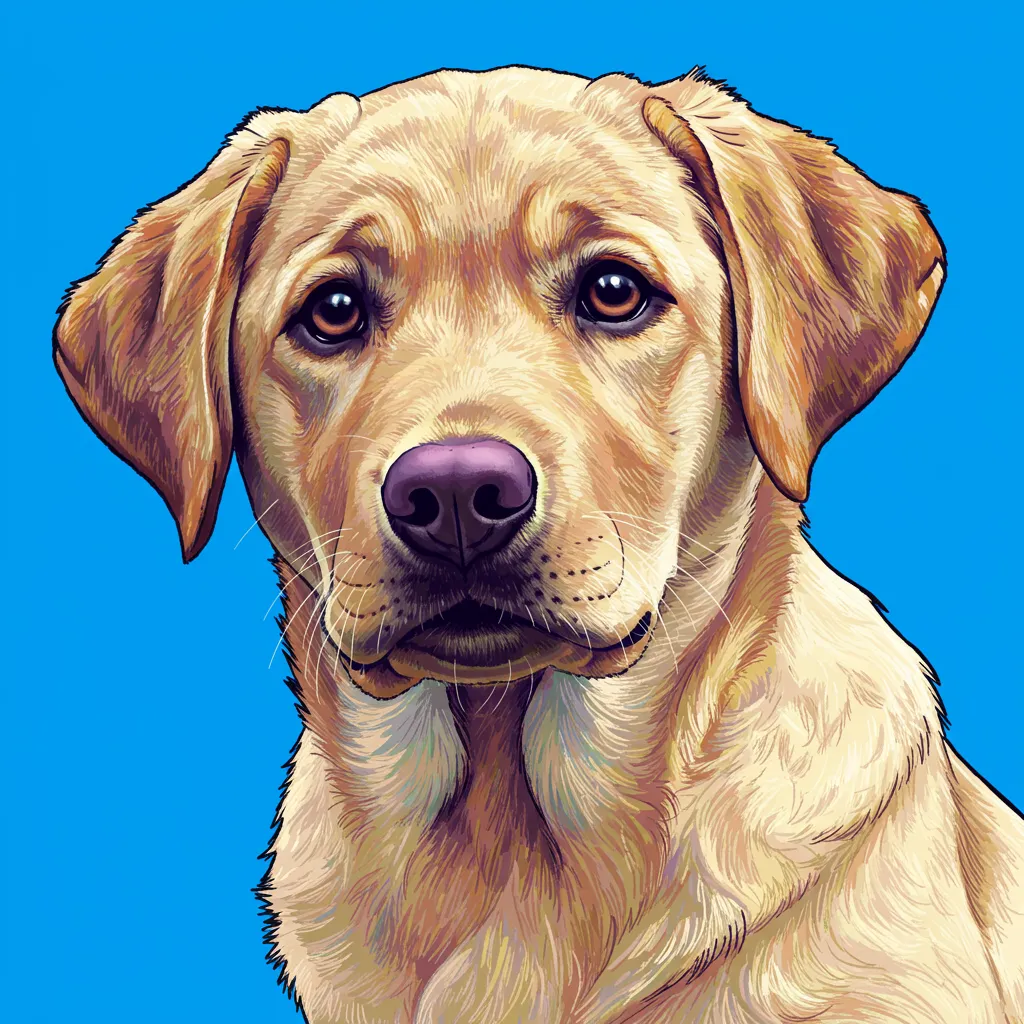
Use the phrase “in the style of” followed by an art movement:
-
Styles to Try: Pop Art, ** Impressionism**, ** Watercolor painting**, ** Charcoal drawing**, ** Simple vector art**, ** Art Deco Poster**.
-
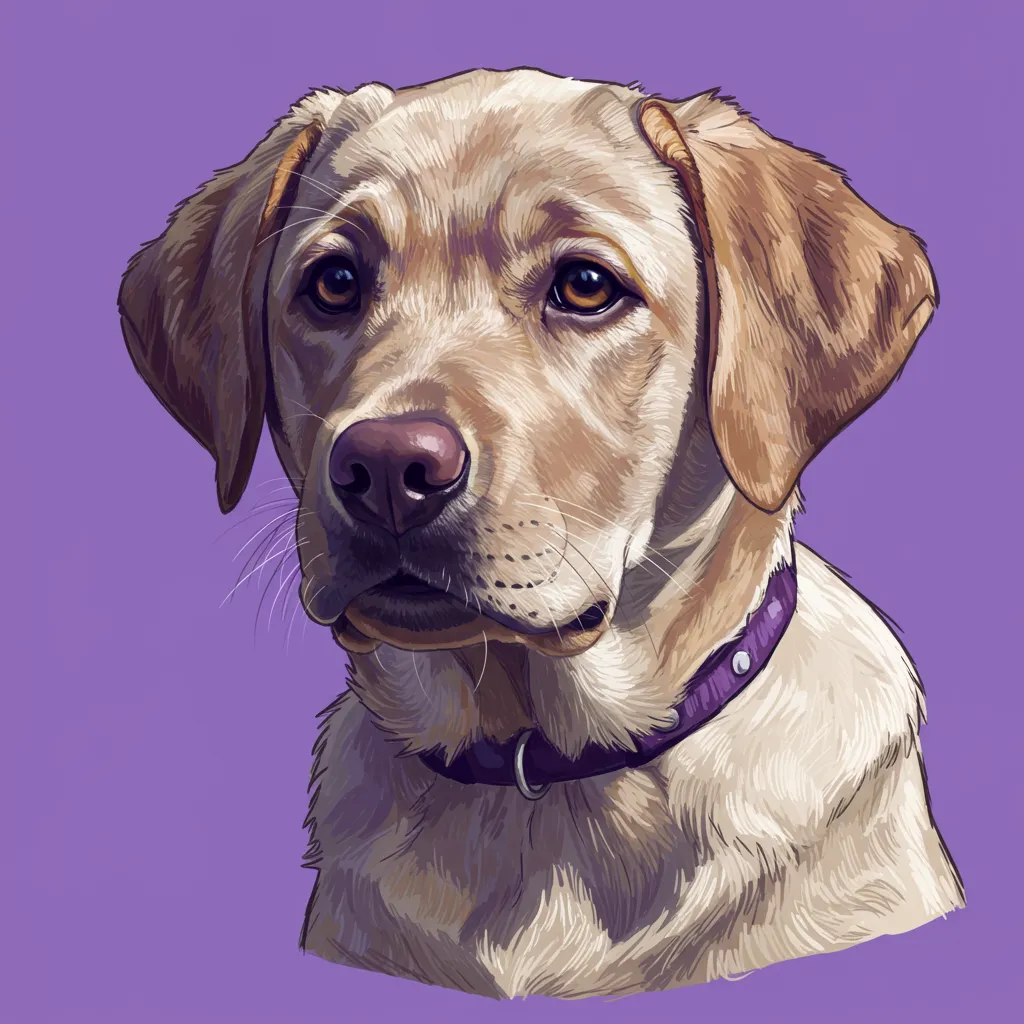
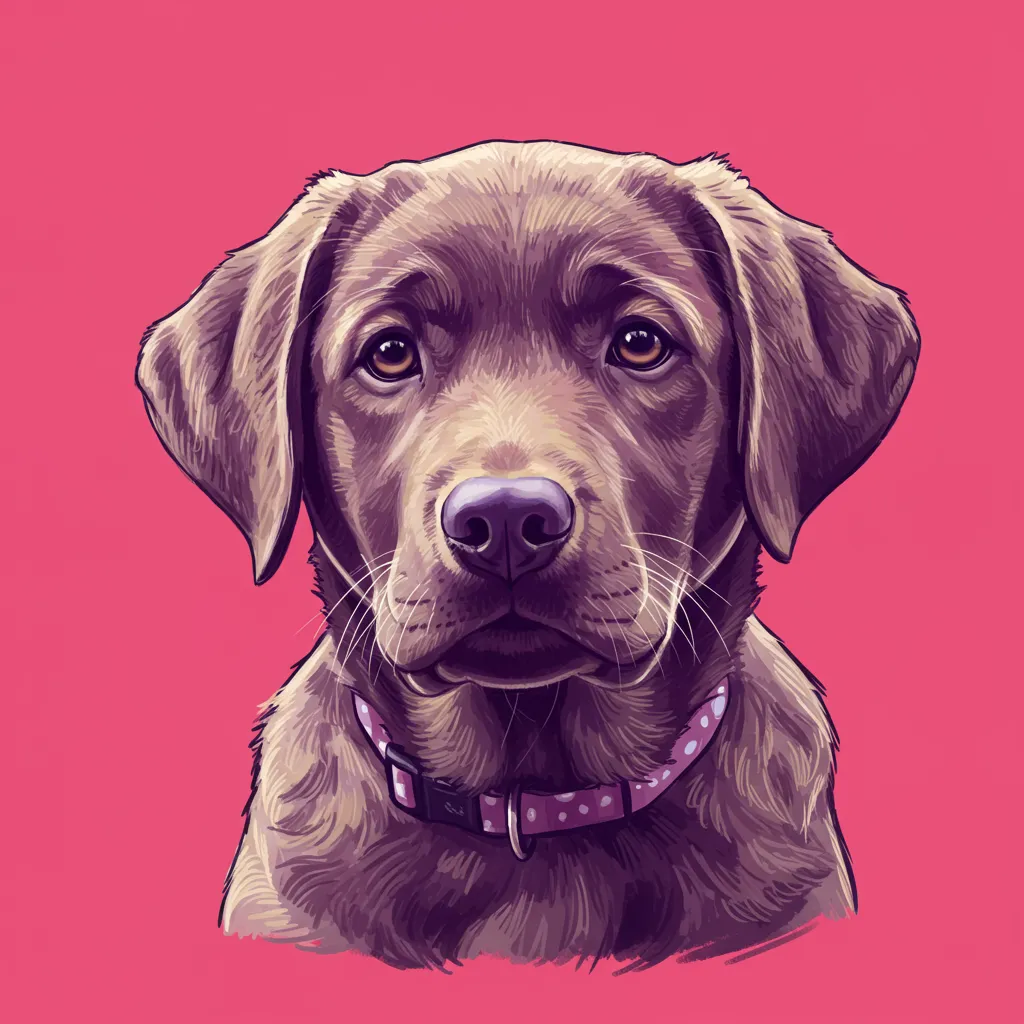
Example: A ** Labrador puppy** portrait in the style of a Pop Art painting with heavy black outlines.
B. Conceptual Textures and Materials
Get creative with the phrase “made of” for striking conceptual images:
-
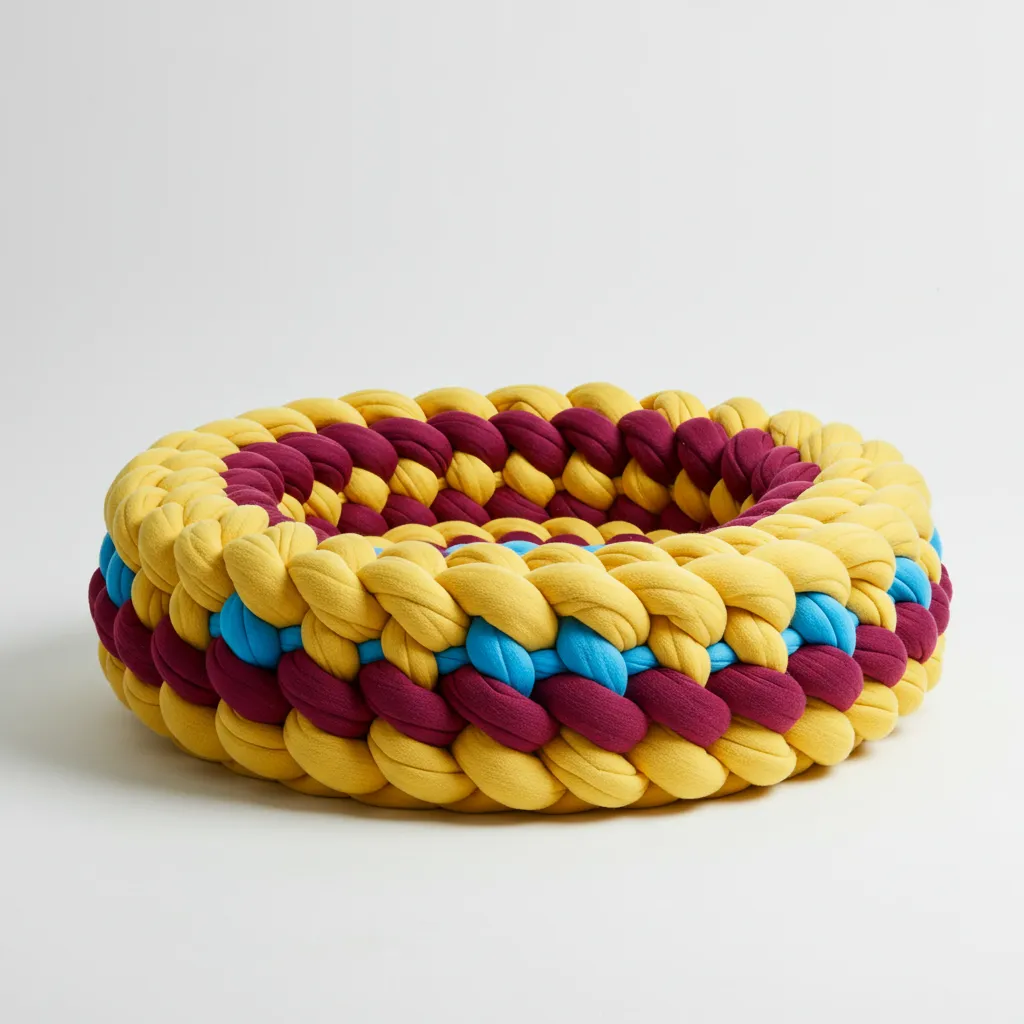
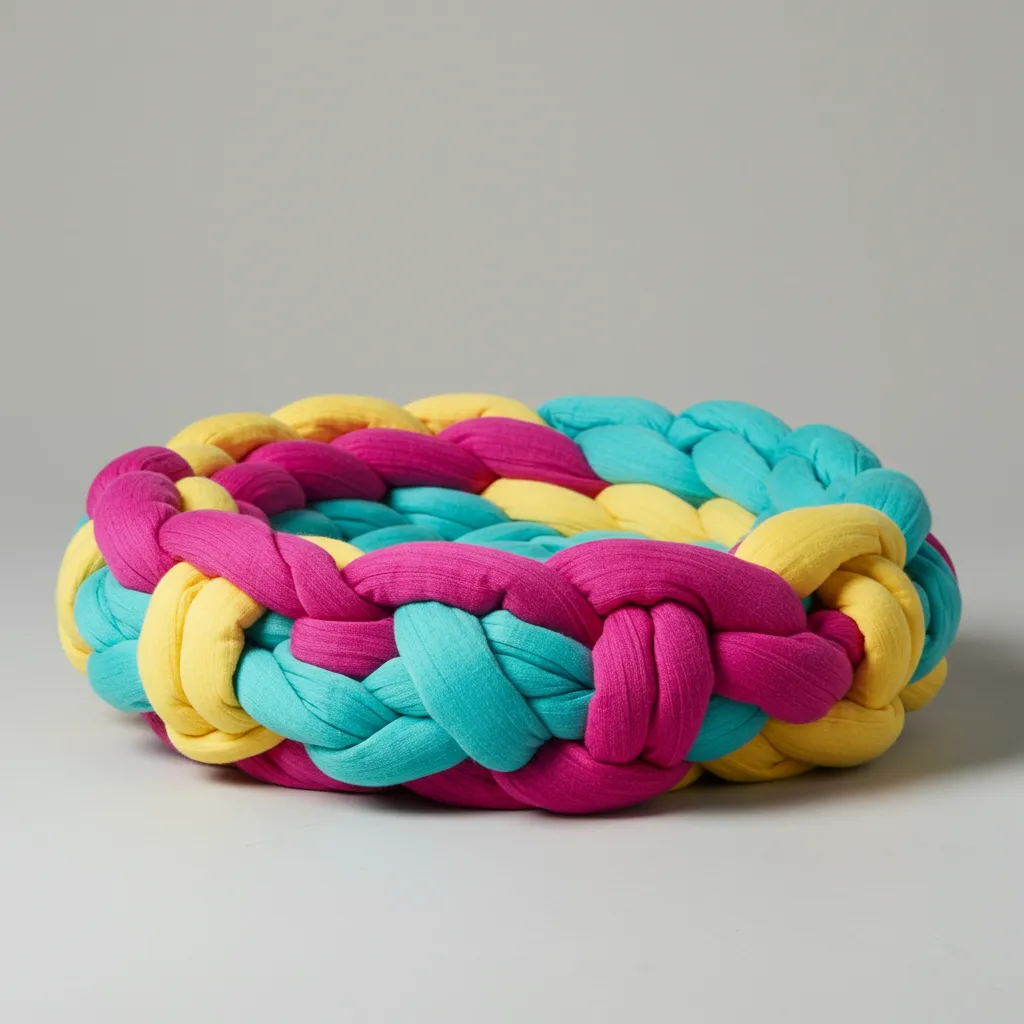
Materials to Try: made of polished metal, made of giant colorful yarn, made of paper.
-
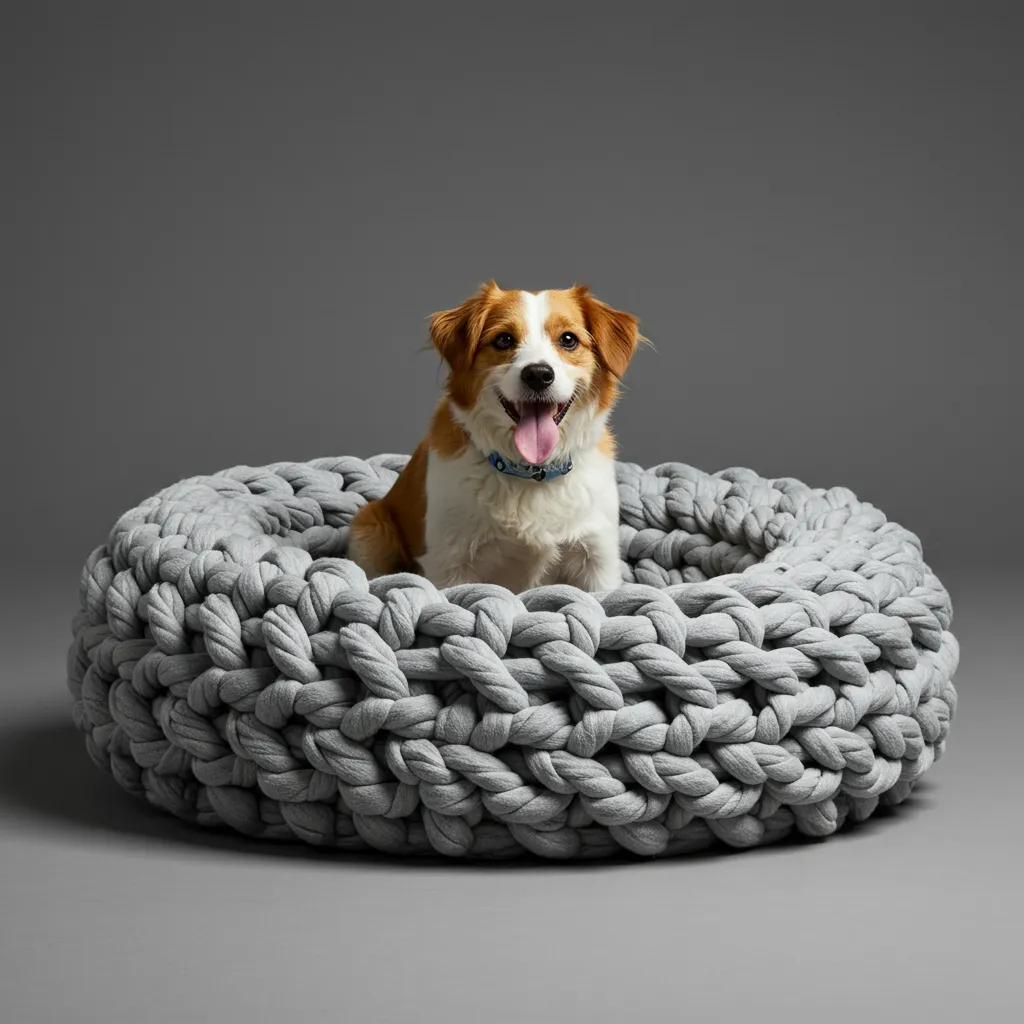
Example: A dog bed made of giant colorful yarn, studio photo.
🎨 Build your brand visuals! Experiment with these artistic styles in ** Petbizai.app** to generate a unique logo or merchandise graphic.
💡 Quick Tips & Configuration
-
Text Integration: Limit text in images to 25 characters or less for optimal quality. Specify the desired font style (e.g., bold font) for better results.
-
Aspect Ratios: Set your preferred ratio in the ** Petbizai.app** configuration panel. Options include “1:1” (Square), “4:3” (Wide), “9:16” (Vertical), and more.
-
Prompt Length: Keep your prompts concise, as the maximum length is 480 tokens.
Go Pro! The more descriptive you are, the better the image. Log into Petbizai.app now and generate your next perfect pet image!
About the author: Kirsty Skeates
Kirsty Skeates is the founder of PetBizAI. She has 10 years in the pet industry, including five years running Fit4DogsUK, a canine hydrotherapy and rehabilitation clinic in Beverley, East Yorkshire. She builds websites and AI tools for independent businesses and speaks at Pet Industry Federation events on AI adoption. Every guide is written or reviewed by Kirsty.